Nuke a City Controls and HUD
Keys, pads, ABX, shop, dropper buttons, and how launch Control works on every device.
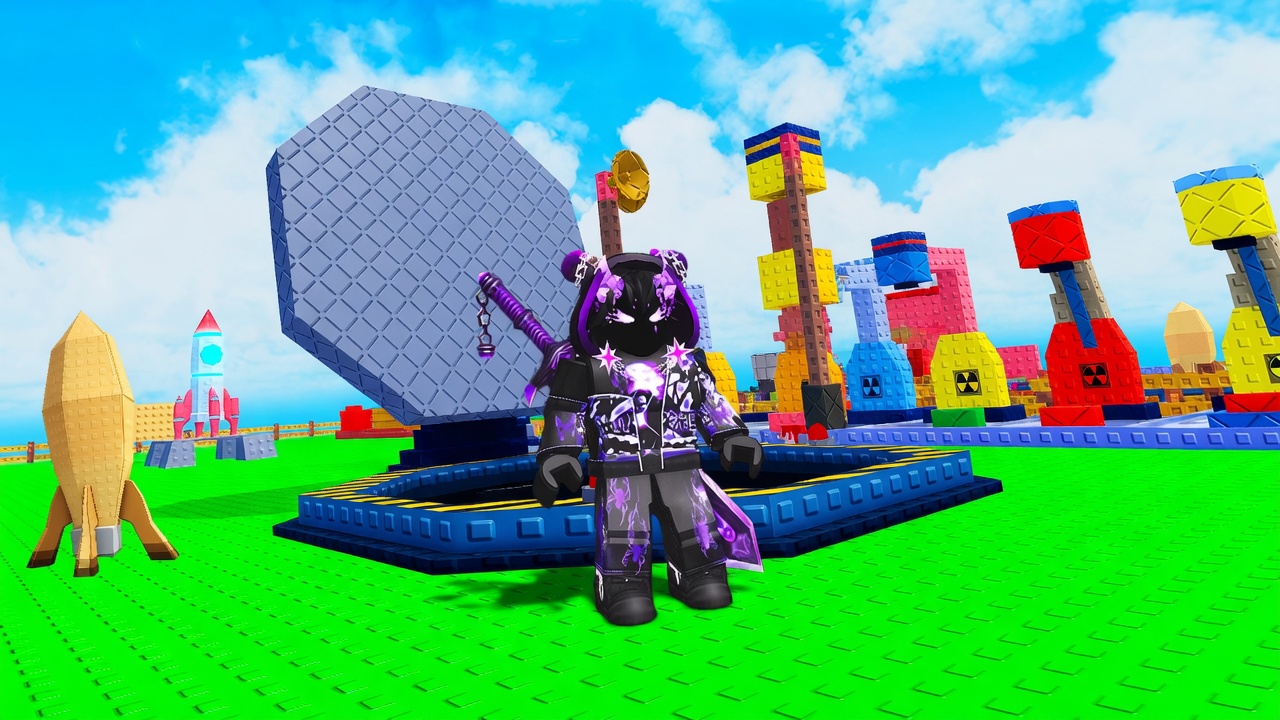
Most failed launches in Nuke a City are input problems, not economy problems. The loop is simple: move, interact with your pads, fill an explosive, load the rocket, press Control, steer. The HUD stacks extra buttons on a six-player server, and PC, mobile, and Xbox each hide the same actions in slightly different places. This page is the map of those actions. Use How to Launch a Nuke for EXP and aiming theory. Use Getting Started if you have not claimed a plot yet. If you came here looking for executors, that topic is separate on how to execute.
Movement and interact
Standard Roblox movement applies. WASD or the left stick walks the plot. Camera drag or the right stick looks at machines. Jump is rarely required except to unstick from a pad. Interact is the key or on-screen button Roblox uses for proximity prompts: E on many PC layouts, tap on mobile, the interact button on Xbox. You need interact to claim the plot, pick up a ready explosive, load the rocket, buy from a machine prompt, and use the rebirth statue. If a prompt does not appear, you are too far away, facing the wrong way, or standing on another player’s base. Walk back to your own floor. Personal bases do not share prompts even though the city is shared.
Control is the launch action
After a 100 EXP explosive is loaded into the rocket, the HUD shows Control. That is the fire action. On PC it is the on-screen Control control plus whatever key the game highlights. On mobile it is a labeled button, not the jump thumb. On Xbox it is a face-button prompt, not the dropper bumper. Pressing Control before the load does nothing useful. After the missile leaves, the same Control context is how you steer: keep input on the warhead and push it toward buildings. New players mash movement keys and watch the trail. Watch the city. A longer write-up of why steering changes cash is on the launch guide.
ABX codes and the shop
Codes use two doors. The ABX icon sits on the HUD, usually toward the top right. Open it, type the code, redeem. The shop is the other door: open shop, scroll to the bottom, find the same code box. BOOM is the string players redeem first. Capitals, no spaces. If it fails, you already claimed it or you pasted a line break. ABX is easy to miss behind other HUD toys on mobile. Shop-bottom is the backup when you cannot find the icon. Live rewards stay on the Codes Hub. Nuclear Fun also posts on Discord. Close the code panel before you try to interact with a dropper; overlapping UI eats taps.
Dropper buttons and the click habit
The free manual dropper is a button. Press or tap it to feed EXP. Auto pads and later machines reduce that chore, but the first hour is clicky on purpose. Each machine you own has its own upgrade prompt and, on some pads, a separate activate control. Do not mash upgrade when you meant to drop. Do not mash drop when the explosive is already at 100 and needs to be carried to the rocket. Fountain, fuse, poison, and nuclear each have their own interact volume; stand close and face the model. Plot expand is a pad prompt, not a HUD tab. If you buy the wrong thing, check that you were looking at the machine you intended.
Auto clickers, community notes
Players talk about auto clickers on the free manual dropper because the early pad wants a press per tick. This wiki does not ship clicker software and does not treat it as a required step. The intended path is to buy auto filling and the nuclear dropper so you stop clicking. If you use a third-party clicker, you accept Roblox risk; a stuck clicker can also buy upgrades you did not mean to buy or mash Control into a half-loaded rocket. Prefer in-game auto pads. People who want extra automation often wander into scripts next; read how to execute for that lane instead of pasting random loadstrings into this HUD page.
PC versus mobile versus Xbox
PC has the easiest time with steering because mouse look plus Control plus movement are separate. Use keyboard interact, keep the cursor free for HUD, and fullscreen so ABX is not under the Roblox menu. Mobile fights you with fat-finger HUD: pin the dropper button, learn where Control sits after load, and rotate the camera before you tap steer. Xbox uses controller prompts; bind muscle memory for interact versus the launch Control prompt, and do not confuse the shop with the pause menu. All three platforms share the same six-player servers and the same plot. Your base saves across devices. If Control vanished after a platform swap, reload, walk to your rocket, and load again. Offline fill still runs whichever device you last used.
HUD clutter on a busy server
Six players means six plots, six rockets, and a city that may already be on fire. Mute extra menus before a steered launch. Do not open shop mid-flight. Do not open ABX while carrying an explosive; you can drop the prompt. Nameplates and other warheads are noise. Your EXP bar, cash, Control, and the machine you are facing are the four things that matter. If the screen is unreadable on mobile, lower extra Roblox UI and stand closer to your own pad so someone else’s upgrade billboard is not covering yours.
If a prompt does not appear, you are probably standing on the wrong pad or looking at someone else’s base. Walk back to your plot, face the machine, and use the same interact key you used on the free dropper. HUD clutter is normal on a six-player server; hide extra menus before you try to steer. Once Control feels boring, you are ready to stop thinking about buttons and go back to fill, cash, and rebirth.
Frequently Asked Questions
Quick answers to the most common questions.
What button launches the nuke?
Control, after a 100 EXP explosive is loaded into the rocket. Movement keys, jump, and the dropper button do not fire. See How to Launch a Nuke for the full sequence.
Where do I redeem codes?
Open the ABX icon on the HUD or scroll the shop to the bottom. Type **BOOM** in capitals with no spaces. New strings are listed on the Codes Hub.
Why does interact do nothing?
You are too far from the pad, facing the wrong machine, or standing on another player's plot. Return to your claimed base and face the dropper or rocket.
Does mobile or Xbox use different actions?
Same actions, different prompts. Mobile uses on-screen Control and interact taps. Xbox uses controller prompts. The six-player servers and personal plots are the same on every device.
Do I need an auto clicker?
No. The free pad is clicky, then auto machines and the nuclear dropper take over. Community clickers are optional and risky. Automation talk continues on how to execute.
I just spawned. Is this the first page I should read?
Read Getting Started for the first-hour checklist, then come back here if buttons or ABX are the blocker.