Codes
Redeem BOOM in Nuke a City for Playtime Points and a Crate. Covers both redeem methods and where new codes drop first.
View all CodesRoblox tycoon wiki for codes, rebirth research, and bigger nukes.
Fan wiki for Nuke a City on Roblox: working codes, rebirth research, machine tiers, and launch guides to grow bigger nukes.
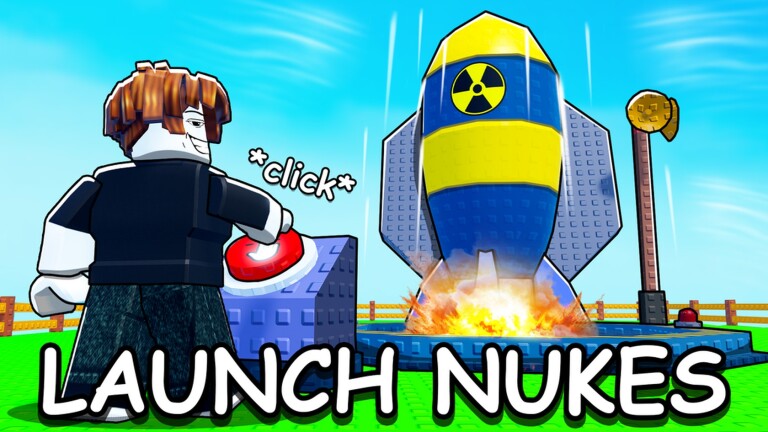
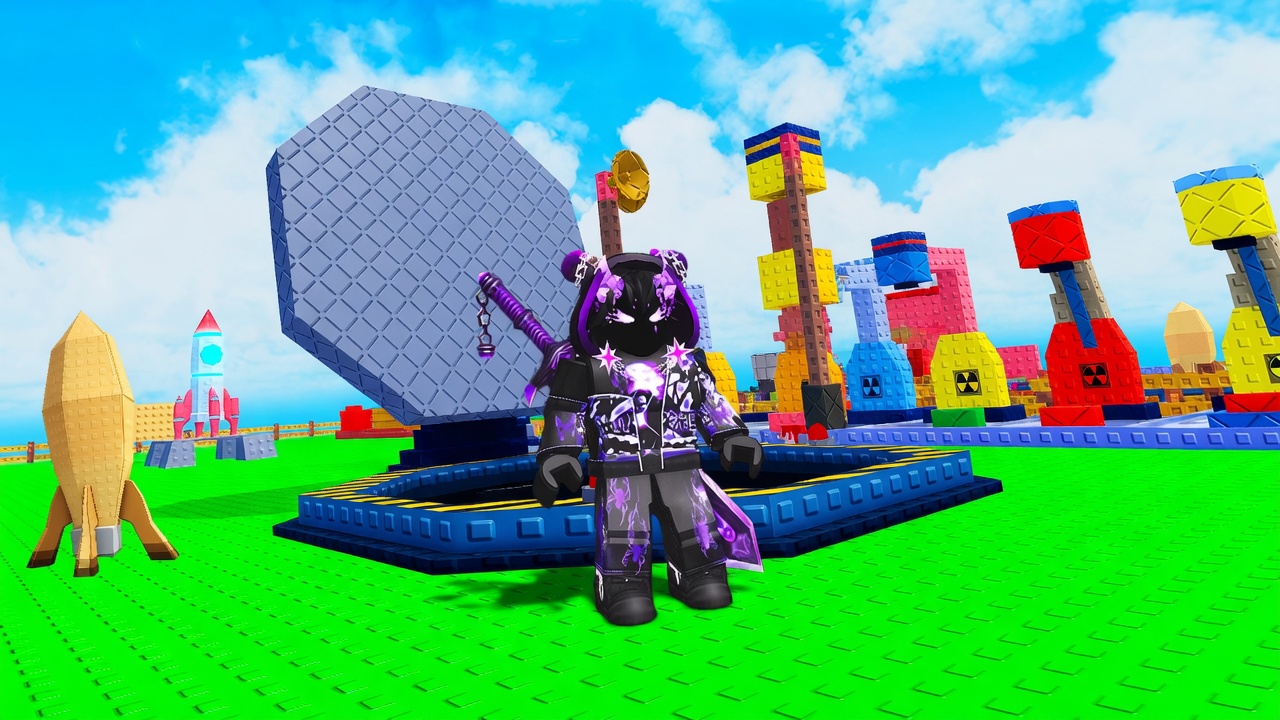
Nuke a City is the Roblox idle tycoon listed as Nuke Your City by Nuclear Fun. You fill explosives with a Dropper, load a rocket, press Control, and cash in the blast over a shared city on a six-player server. Explosives keep growing while you are offline. Spend cash on machines, then Rebirth for Research upgrades that stick. Start with the beginner guide, redeem working codes, study the machines tier list, and time your first rebirth. When a launch fizzles, read how to launch a nuke and the controls page. Community scripts and the upgrade planner sit beside patch notes and the Discord hub.
Redeem BOOM in Nuke a City for Playtime Points and a Crate. Covers both redeem methods and where new codes drop first.
View all CodesWalkthroughs for first hour, launches, cash, rebirth, and controls in Nuke a City, plus codes and the machine tier list.
View all GuidesS through D ranks for Nuke a City machines and research, plus how 6-player servers change what you should buy first.
View all Tier ListPlaystyles on 6-player Nuke a City servers: idle farmers, Control launchers, rebirth grinders, and city-wipe spectators.
View all PlayersNuke a City launched 16 March 2026, peaked in May, then slowed. Track codes, rebirth, and idle growth here too.
View all UpdatesNuke a City auto farm scripts, a keyless loadstring, key-system variants, and the account risks of using them now.
View all ScriptsChecklists for when to rebirth, what to buy next, and when to redeem BOOM so each Nuke a City run stays efficient.
View all ToolsOfficial Nuke a City Roblox listing, Discord invite, X account @jett_str, and a map of every wiki hub for players.
View all LinksOpen Nuke a City on Roblox, land on a six-player server, and find your base. The free manual Dropper is enough for the first beginner loop.
Let the Dropper pump EXP, including while you are offline. At 100 EXP the payload is ready to load — details live in how to launch.
Interact to seat the explosive, then hit Control to fly it at the city. Controls and HUD lists the same steps on mobile and Xbox.
When upgrades barely move cash, reset for Research Points. Follow the upgrade planner and the research tier list.
Quick answers to the most common questions.
Yes. This wiki uses Nuke a City as the title; the Roblox listing is Nuke Your City by Nuclear Fun. Play it from the official experience page linked in the header.
Read the Getting Started guide, redeem codes, then check the machines tier list.
BOOM is the code still listed by code sites in 2026. Type it in all caps via the ABX button. Full steps sit on how to redeem codes.
Explosives keep filling while you are away. You still need to be in-game to load the rocket, press Control, and spend cash. Full split of the two clocks is on offline progress; playstyles sit on idle vs active.
Reset when extra Dropper levels barely raise cash. You lose machines and money, and you gain Research. See rebirth and research before you tap the statue.
English, Français, Deutsch, Español, and Português (BR). Legal pages stay in English for every language.
Redeem BOOM, learn the launch loop, then spend Research like the upgrade planner instead of guessing.
Start with the beginner guide